
- Training
- Service
- Promotion
- Schedule
- Testing Center
- News
- Contact
3/6/2023


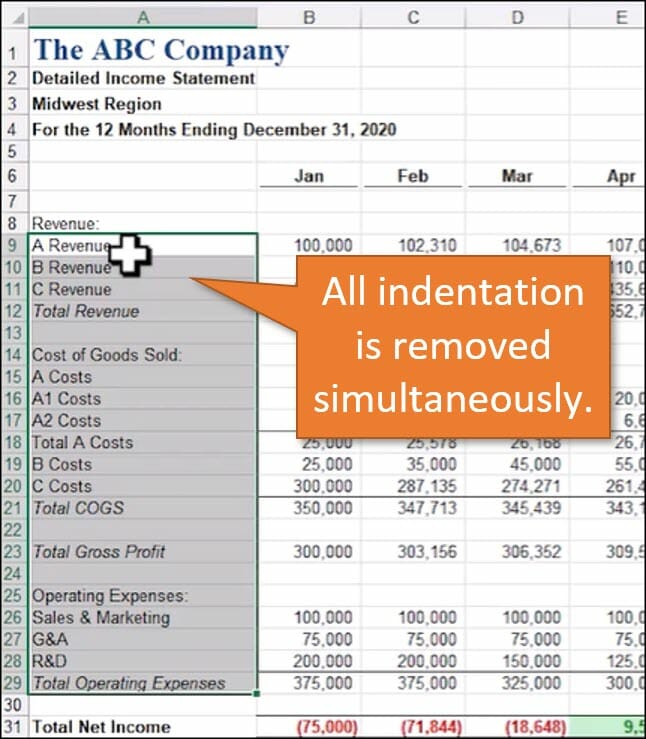
Some reports come stacked with several levels of indentation, which can help the user read and understand categories and line items.
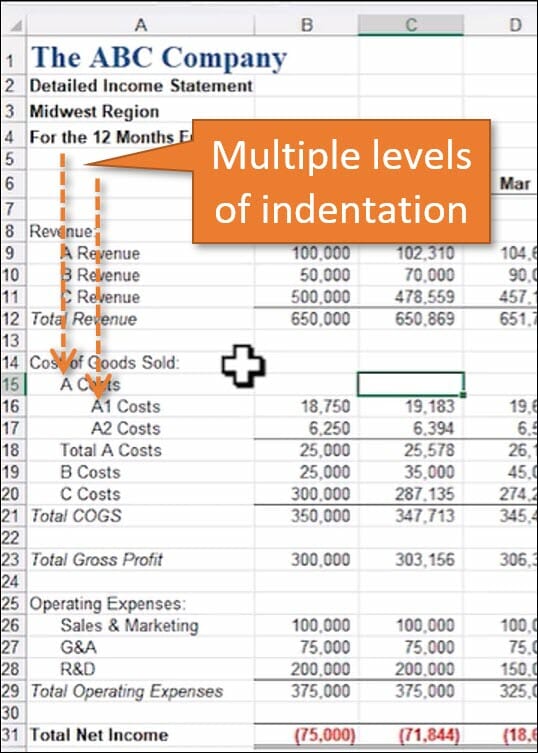
When you want to remove indentation, it doesn't work to highlight all of the levels and click the Decrease Indent button.
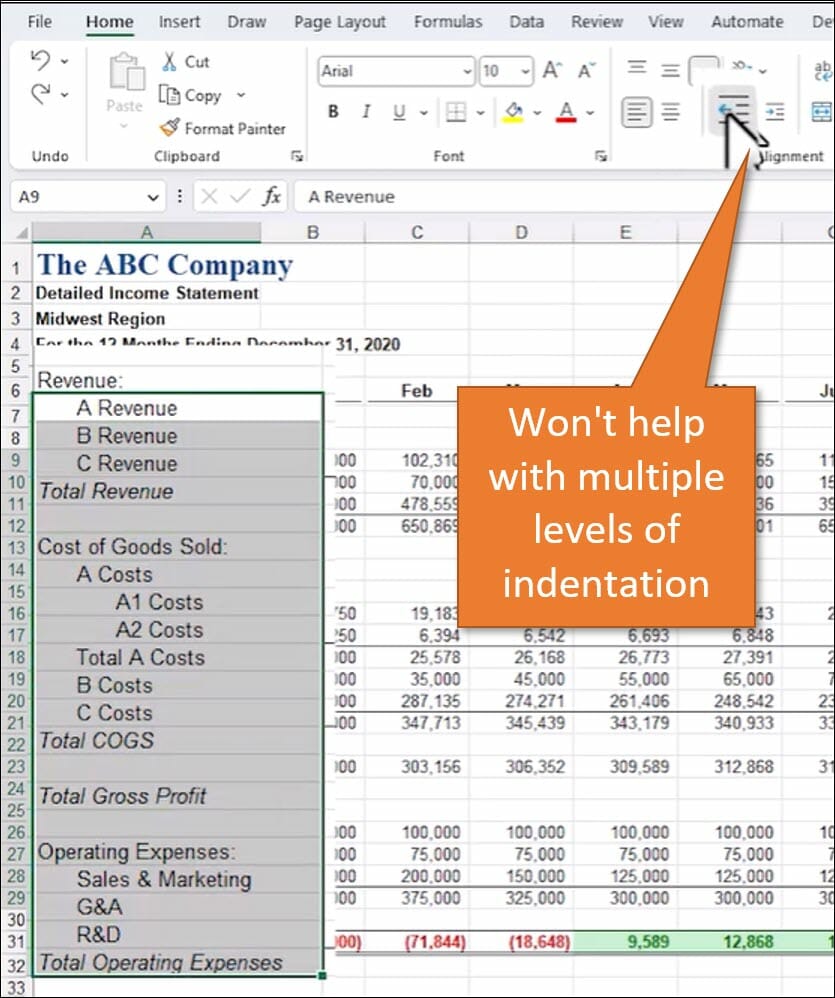
So some people get into the bad habit of going level by level and removing indentation using Decrease Indent. This can take too long, especially if it's a large report.
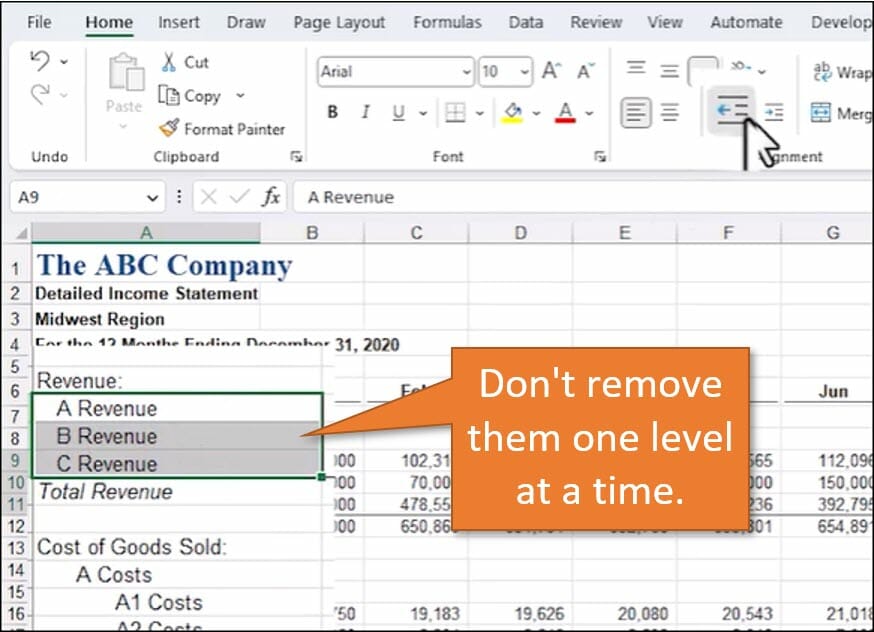
Instead, remove all of the indentations simultaneously. Here's how.
Start by selecting the range of cells you want to change. Then use the right-click menu to select Format Cells. The keyboard shortcut for Format Cells is Ctrl + 1.

On the Alignment tab, change the Indent level to 0, and then hit OK.
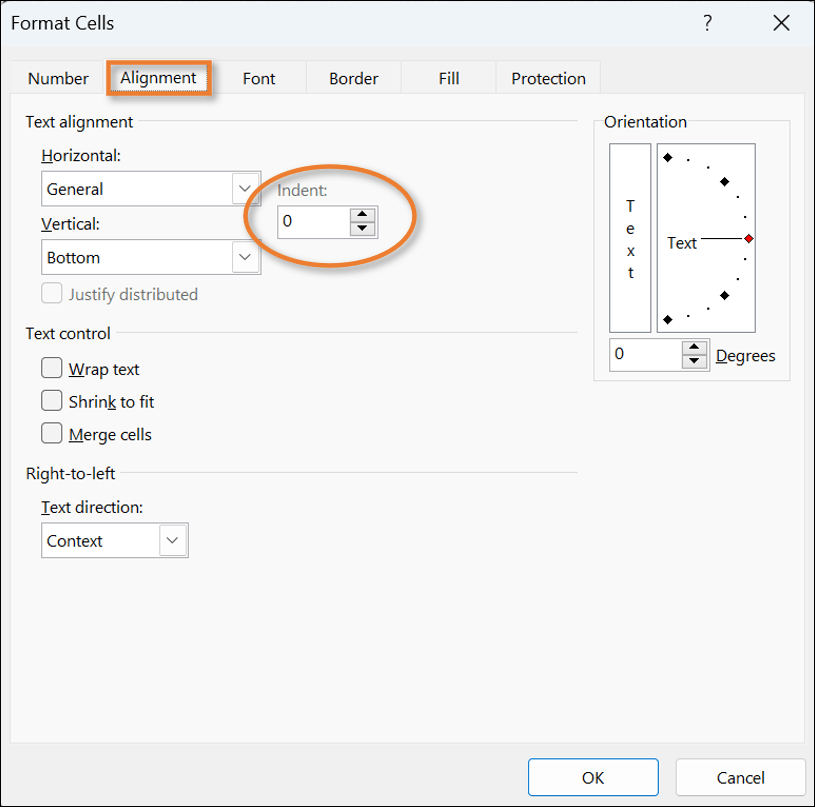
Voilà! You've just removed all of the indentation in one stroke and kicked another Excel bad habit to the curb. Congratulations!
Source: www.excelcampus.com

12/11/2025


